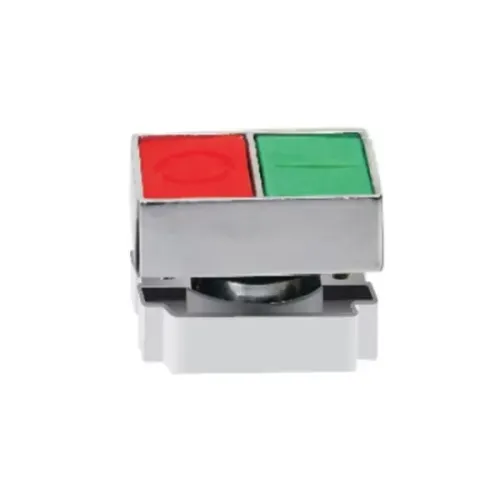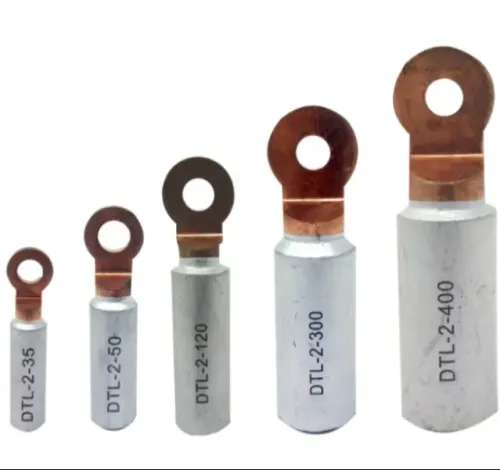
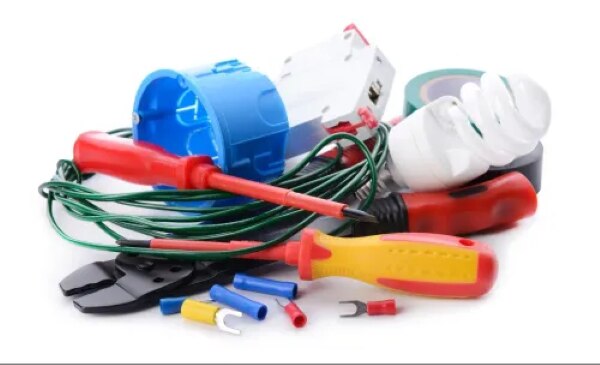
A safe control panel depends on more than breakers and relays: terminals, markers, cable entry hardware, earthing bars, ventilation parts, and blanking plates determine whether the assembly can be wired, inspected, cooled, and maintained correctly. By the end, you will be able to build an accessory checklist, match each item to its function, verify physical compatibility, and distinguish installation quality from actual electrical protection.
Key takeaways
- Map DIN rails, wire ducts, terminals, and access space before ordering accessories.
- Select voltage, current, fault-current, temperature, and IP ratings from the circuit.
- Confirm rail type, dimensions, clearances, terminals, and cable-entry sizes before purchase.
- Label conductors, provide protective earthing, and reserve spare capacity for maintenance.
Build the accessory checklist around the panel’s physical layout
A complete build starts with the panel’s physical layout: mount the DIN rail, reserve wire duct routes, then place termination, protection, control, and access hardware around those routes. Each accessory needs a defined job, not just an available mounting position.
- Terminal blocks carry incoming, outgoing, neutral, control, and protective-earth connections. Add end stops, end plates or separators, correctly rated jumpers, and a clearly identified PE terminal system; never bridge adjacent circuits because the terminals fit.
- Cable glands provide entry sealing and strain relief; ferrules improve stranded-wire termination.
- Labels and marker strips identify both ends of every conductor and cable, so wire colour is not the only fault-tracing clue.
- The supply disconnecting device isolates the panel; use a lockable handle or locking provision for energy control.
- Filter fans, louvers, or pressure-equalization devices manage heat and pressure, but the installed combination must still meet the required IP rating.
- Door hardware provides controlled access; PE and neutral bars keep their conductors separate. Spare DIN ways and blanking plates reserve safe expansion space.
| Accessory group | Typical parts | Job |
|---|---|---|
| Protection and isolation | Disconnect, breaker, fuse, SPD | Interrupt faults or isolate energy |
| Termination | Terminal blocks, PE bar, neutral bar | Secure and segregate conductors |
| Management | Wire duct, glands, markers | Route, seal, identify, and maintain wiring |
| Enclosure access | Door hardware, ventilation, blanking plates | Control access, heat, ingress, and unused openings |
Separate protection devices from wiring and enclosure accessories
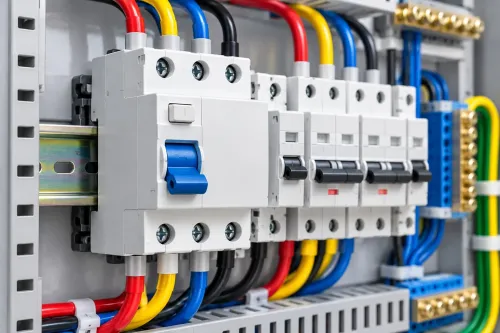
Ask whether a part can detect an abnormal electrical condition or interrupt current. An RCCB detects residual current and disconnects the circuit; a fuse melts during excessive current; and a circuit breaker opens for defined overload or short-circuit conditions.
An SPD limits transient overvoltage by diverting surge energy, with Type 1, Type 2, and Type 3 selected for different points in the installation.
| Part group | Fault function | Typical examples |
|---|---|---|
| Protection | Detects, limits, or interrupts faults | RCCB, fuse, circuit breaker, SPD |
| Wiring and termination | Makes conductors secure and separated | Terminal blocks, end stops, end plates, separators, approved jumpers, ferrules |
| Identification and isolation | Prevents wiring errors and accidental contact | Core markers, cable labels, barriers, blanking plates |
| Enclosure and access | Supports mounting, entry, cooling, and operation | DIN rail, wire duct, cable glands, door hardware, filter fans |
Do not treat terminal accessories as protection devices. A jumper joins circuits; it does not provide overcurrent protection, and adjacent terminals must not be bridged merely because they fit.
Use a clearly identified protective-earth terminal system, keep PE and neutral conductors distinct, and follow IEC 60445 colour conventions: green-and-yellow for PE and blue for neutral, subject to its exceptions. Ferrules control strand splay only when the terminal maker approves the ferrule and crimp.
Choose ratings from the circuit and the fault, not from the accessory name
Record the circuit’s voltage, AC or DC nature, phase and pole count, load current, conductor ampacity, prospective short-circuit current, and earthing arrangement. Add ambient temperature, altitude, humidity, dust, water exposure, vibration, corrosive atmosphere, and the enclosure’s required IP rating. These conditions affect ratings and service life.
| Device | Collect before selection | What goes wrong if missed |
|---|---|---|
| RCCB | System voltage, poles, rated current, residual operating current, fault waveform, and neutral arrangement | A Type AC RCCB can miss pulsating-DC leakage; choose a Type A RCCB when electronic loads produce it. |
| Fuse or breaker | Continuous load, conductor size, prospective fault current, interrupting rating, and AC or DC polarity | The device can overheat, fail to clear a fault, or interrupt DC unsafely. |
| SPD | System voltage, maximum operating voltage, earthing scheme, prospective fault current, and AC or PV DC duty | An AC SPD cannot replace a PV SPD; check IEC 61643-31 for the DC side. |
| Overload relay | Motor full-load current, voltage, phase count, starting method, trip class, and ambient temperature | Incorrect settings cause nuisance trips or leave the motor and cable unprotected. |
| Adjustable voltage protector | Nominal voltage, acceptable upper and lower limits, phase arrangement, load current, delay, and reset method | A wrong threshold disconnects healthy equipment or leaves damaging overvoltage connected. |
For every device, obtain the manufacturer’s derating curve and terminal temperature range before finalising the order.
Check mechanical fit before placing the purchase order
Confirm fit from the panel layout drawing and each accessory’s datasheet before ordering. A part that matches electrically can still block the door, crowd conductors, or leave no clearance around live parts.
1. Measure the available rail and compare it with the accessory’s DIN-rail profile, module width, rail direction, and locking clearance. Check that the rail is the correct 35 mm or 15 mm type, not merely a similar-looking section.
2. Check depth from the mounting surface to the closed door, duct, and rear wiring space. Include terminal covers, cable bend radius, ferrules, and the space needed to operate handles, pushbuttons, or reset mechanisms.
3. For panel-mounted parts, overlay the manufacturer’s mounting-hole pattern on the panel drawing. Verify door cut-out diameter, edge distance, gasket position, and whether screws or clips remain accessible after adjacent parts are installed.
4. Compare terminal pitch, conductor entry direction, approved conductor size, and bending space. Add end stops, end plates, separators, and correctly rated jumpers without bridging different circuits accidentally.
5. Reserve duct space for routing and inspection; do not fill every cavity. Ask for the tightening torque and use a calibrated torque tool during assembly, because “hand tight” can cause heating or damaged terminals.
6. Build a full-scale cardboard layout or use the CAD model, then check door movement, tool access, labels, and spare ways before releasing the purchase order.
Install terminations, earthing, markers, and cable entry for reliable maintenance
Reliable maintenance starts with a documented termination method: strip each conductor to the terminal manufacturer’s length, use the specified tightening torque, and retighten only when the manufacturer permits it. Fit ferrules to fine-stranded conductors only when the terminal accepts the stated ferrule type, crimp profile, and conductor range; an incorrect ferrule can loosen the connection.
At installation, verify:
- Label both cable ends with durable markers that match the schematic, terminal number, and device designation.
- Apply IEC 60445 identification: green-and-yellow for protective conductors and blue for neutral conductors, subject to its detailed exceptions.
- Keep PE and neutral bars distinct, and separate power terminals from control terminals using terminal partitions, spacing, or separate duct runs.
- Bond the PE bar to the enclosure and door with a dedicated protective conductor; never rely on hinges or painted metal.
- Leave service loops and clear terminal access so testing does not disturb adjacent wiring.
Select cable glands for the cable’s actual outside-diameter range and construction, not just its cross-section. Confirm the gland clamps the sheath, provides strain relief, and preserves the assembly’s required IP rating; a matching thread alone proves nothing.
For screened cables, use a short, broad shield bond or EMC gland when high-frequency noise matters. A long drain-wire pigtail adds inductance and weakens the bond.
Manage heat, ingress protection, spare capacity, and supplier verification together
A filter fan solves heat only by creating an ingress trade-off. Select ventilation accessories with the enclosure’s thermal calculation and required IP rating; a fan does not retain the original rating unless the complete installed combination is tested for it.
IEC 60529 treats the finished assembly as the test subject, including glands, door seals, vents, pushbuttons, and unused knockouts.
Before approval, request documents that let you verify the completed panel:
- IP test evidence for the enclosure and fitted accessories
- Thermal calculation showing internal temperature at the stated load
- SCCR documentation and the NEC Article 409.110 marking for United States panels
- Datasheets showing ratings, dimensions, terminal details, and replacement part numbers
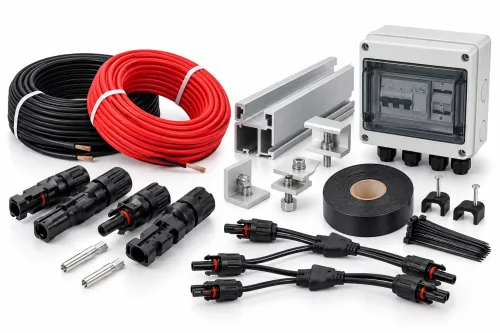
- For PV combiners, string count, module maximum series-fuse rating, conductor ampacity, and prospective reverse current
Yueqing Growmore Electric Co can be asked for those selection details when comparing a DC fuse base, surge protective device, or adjustable protector; a product name alone cannot prove coordination or service compatibility.
Reserve spare ways for planned expansion, then fit blanking plates over unused openings to maintain touch protection and the enclosure’s achieved IP rating. Check door hardware for seal compression, latch alignment, hinge clearance, and repeated access; poor hardware leaves gaps, strains wiring, and turns routine maintenance into a safety risk.
Related products
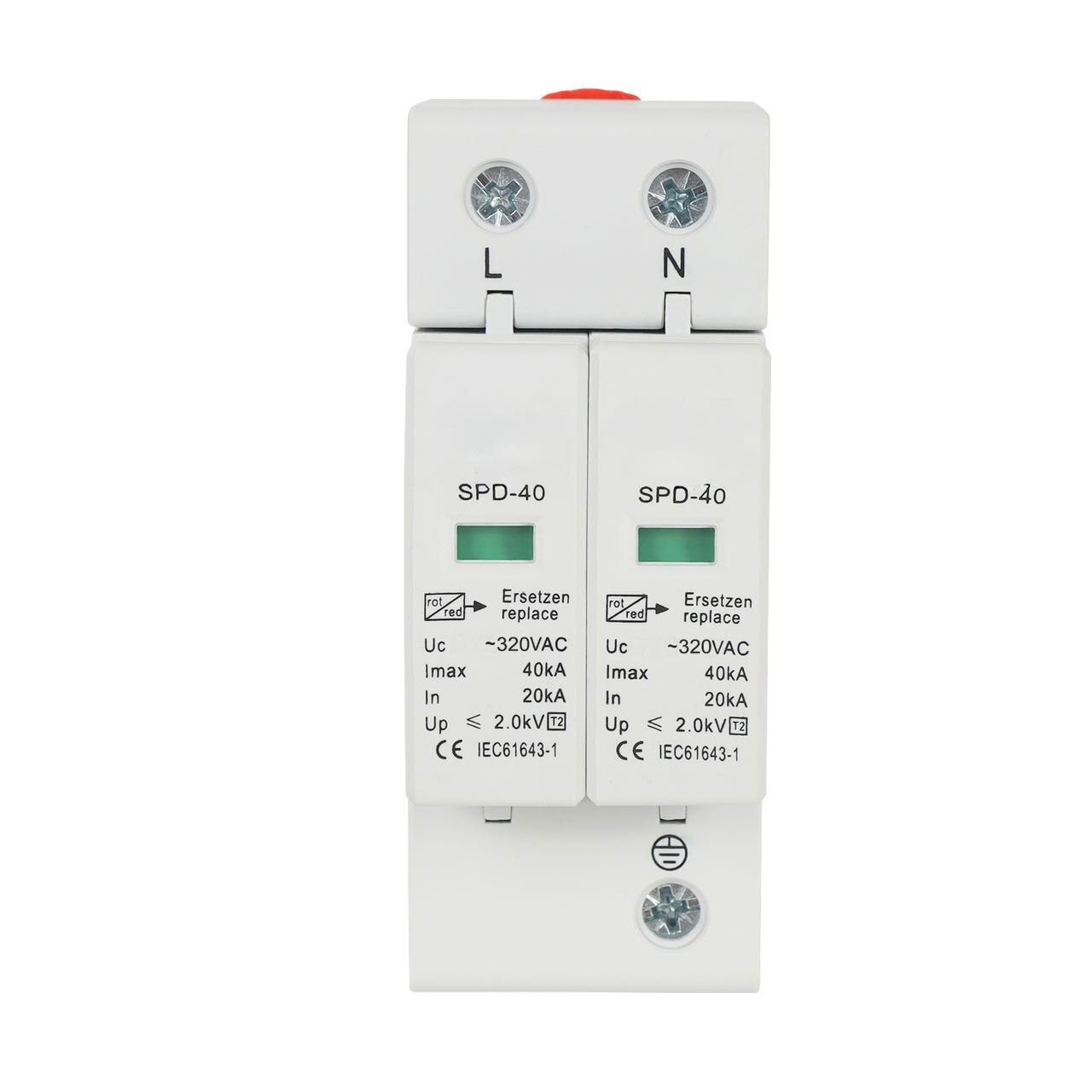 | Solar Accessories Yueqing Growmore Electric Co., Ltd. - Protect Your Electrical Systems with Advanced Surge Protection Devices (SPD) Company Overview Yueqing Growmore... View product → |
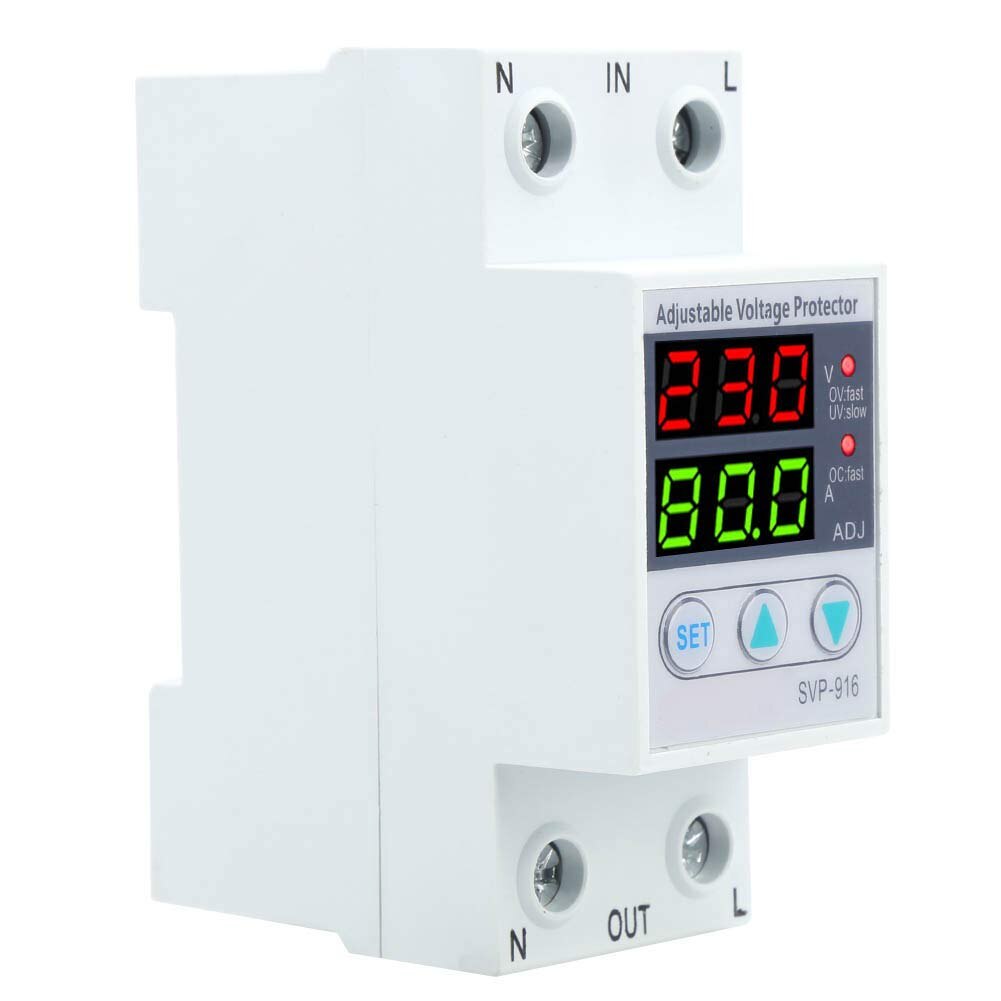 | Solar Accessories ADJUSTABLE VOLT & AMP PROTECTOR Yueqing Growmore Electric Co., Ltd. - Reliable Adjustable Voltage & Amp Protectors for Enhanced Equipment Safety Company Overview Yueqing Growmore... View product → |
Frequently asked questions
How should you organise an electrical control panel accessory checklist?
Start with the panel’s physical layout: position DIN rails, wire ducts, terminals, protection devices, control hardware, and access points before selecting accessories.
How do you choose ratings for panel accessories?
Use the circuit’s voltage, current, fault level, conductor size, temperature, and ingress conditions rather than relying on the accessory’s product name.
What should you check before ordering panel accessories?
Verify DIN rail type, mounting dimensions, terminal capacity, clearances, cable-entry sizes, enclosure space, and compatibility with the installed equipment.
Which accessories support reliable panel maintenance?
Use correctly sized terminations, protective earthing hardware, durable wire markers, suitable cable glands, organised cable routes, heat control, and spare capacity.
Related products
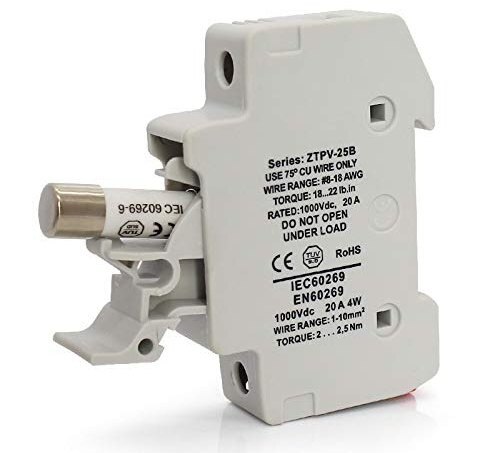 | Solar Accessories Yueqing Growmore Electric Co., Ltd. - Reliable DC Fuses & Fuse Bases for Safe Electrical Protection Company Overview Yueqing Growmore Electric Co.,... View product → |
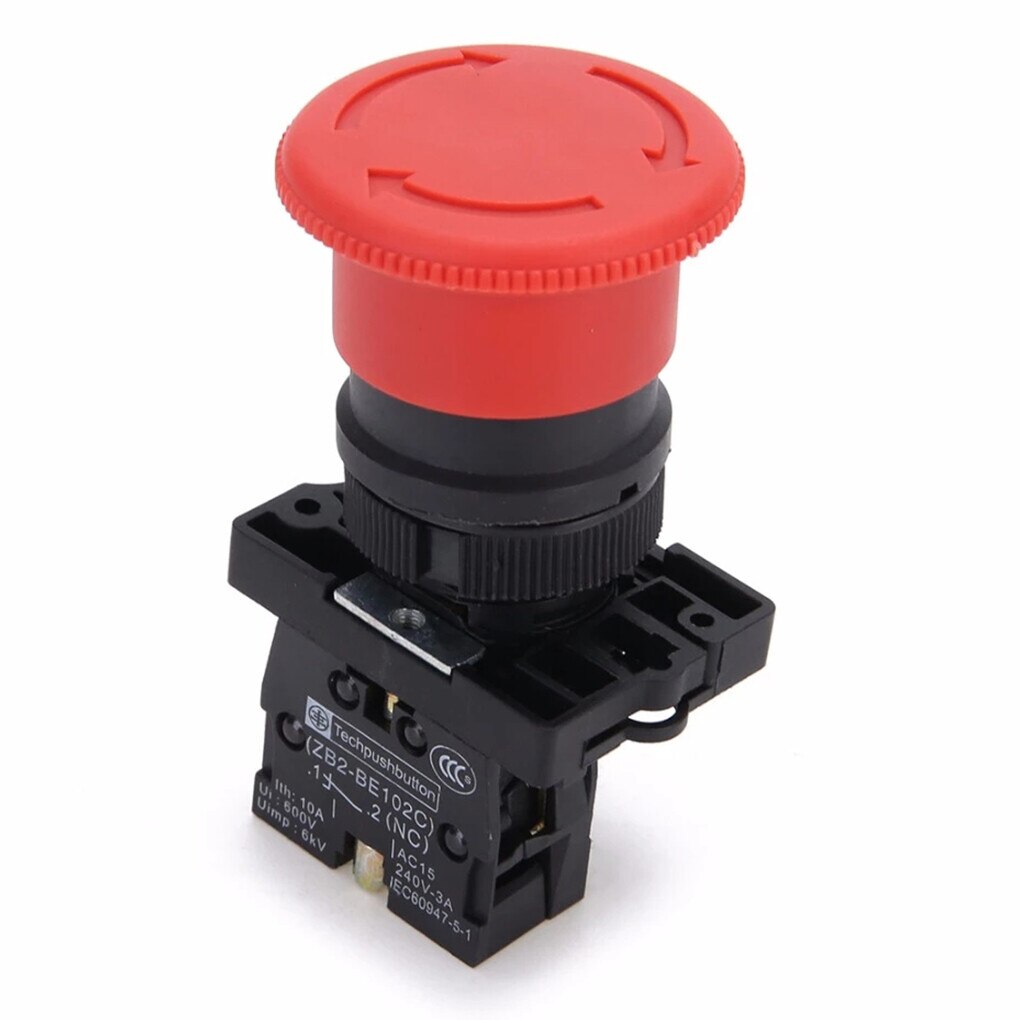 | Push Button Switches YUEQING GROWMORE ELECTRIC CO., LTD. is a trusted manufacturer and exporter specializing in high-quality push button switches and low-voltage... View product → |
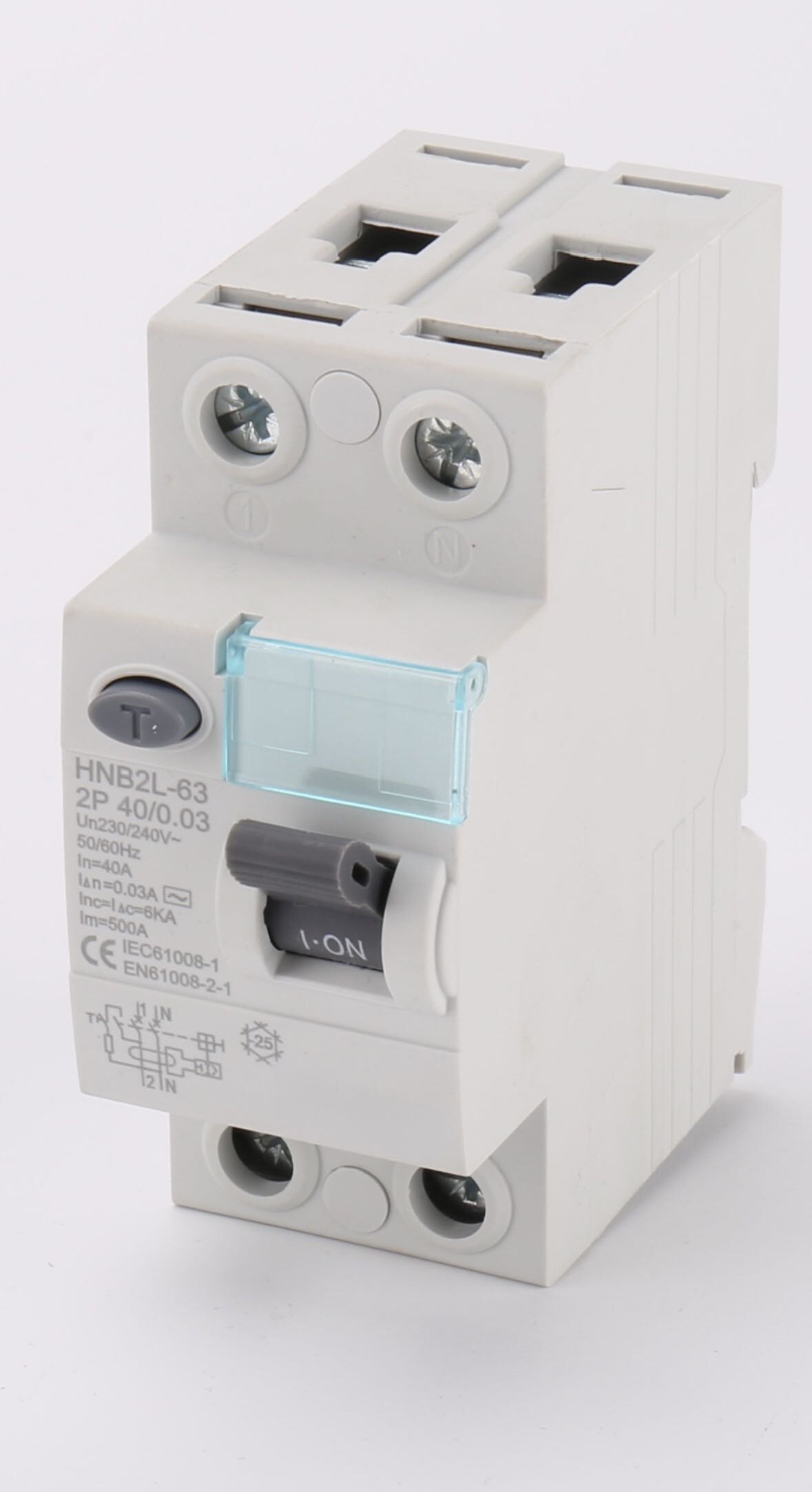 | Contactors & RCCB RCCB Yueqing Growmore Electric Co., Ltd. - Advanced RCCB Solutions for Safety and Protection Company Overview At Yueqing Growmore Electric Co., Ltd., we... |
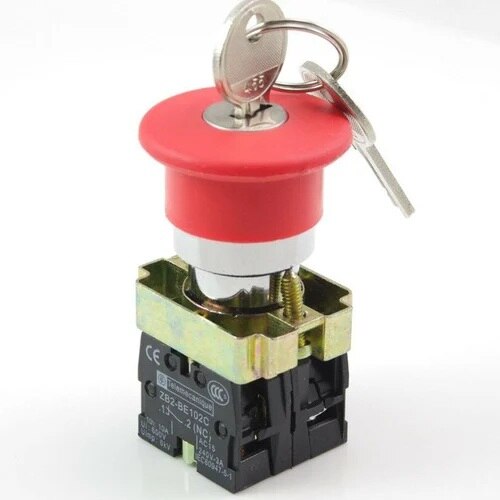 | Push Button Switches Key reset emergency Stop Button YUEQING GROWMORE ELECTRIC CO., LTD. is a trusted manufacturer and exporter specializing in high-quality push button switches and low-voltage... View product → |